Key Takeaways
- Model Context Protocol lets AI assistants perform server and website or app actions in plain English instead of manual dashboard tasks.
- Agencies can monitor CPU, RAM, PHP versions, SSH keys, and uptime across 50+ client sites through natural-language prompts mapped to specific MCP tools.
- A full client report combining server health, performance, and security data can be generated in under 15 minutes instead of 5-6 hours a week.
- Chaining MCP queries into a scheduled morning brief replaces a 60-90 minute daily ops check with a 5-minute automated report posted straight to Slack.
Managing dozens of WordPress sites used to mean one of two things: hire an ops team or drown in dashboards. Both are bad choices when you’re trying to keep your business lean and profitable. But with Cloudways MCP (Model Context Protocol), there’s a third path: Let AI do the operations layer for you.
Here’s how the smartest agencies are scaling past 50 sites and not adding a single ops headcount.
The Real World Agency Management Problem

I have 10 sites to manage. It’s a pain to monitor them manually. When you get to 50+ it’s a liability. Here’s what most often breaks:
- Performance blind spots, you discover a client’s site is slow after they email you
- Security holes, plugin vulnerabilities that remain unpatched because no one is checking every site every day
- Too many notifications, alert fatigue, not enough context
- Context switching, having to move between 6 different dashboards to answer one client question
The agencies that grow without burnout solve these problems systematically, not manually.
Enter Cloudways MCP: Your AI-Powered Ops Layer
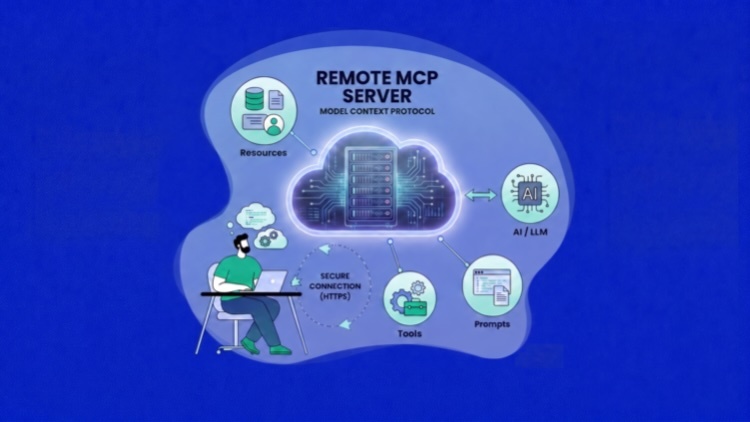
Cloudways MCP allows direct integration between the Cloudways platform and AI tools like Claude Desktop, Cursor, and VS Code. Instead of scrolling through menus, you tell your AI assistant in plain English what you want, and it gets the data, runs diagnostics and shows what matters.
It’s like giving every person on your team an ops expert who knows your entire server stack already.
The 4 Pillars of Ops-Free Agency Management
Yes, we’re not talking about a castle in the sky. Based on the most beneficial agency use cases, we rate these workflows.
1. Single View of Performance
Cloudways monitors CPU, RAM, disc I/O, network traffic, PHP requests and database query load, on a per server and per app basis. With MCP, you surface this data through natural language, not tab-hopping.
The real win: your account managers can ask “how is [client]’s site doing this week?” and get a real answer in seconds, without ever touching a server dashboard.
2. Proactive Server Health Monitoring
Cloudways is always watching your web server, database, and caching services. Cloudways Copilot watches your servers 24/7, pinpoints the root cause of issues and suggests one-click fixes before your client notices anything.
With MCP you can query the status of all servers in one shot: “Which servers had incidents in last 7 days?”, and build a weekly health report in minutes, not hours.
3. Daily Auto Security Scan
And that’s where agencies at scale come to light. You have 50 potential points of entry with one unpatched plugin on 50 sites.
Cloudways’ Vulnerability Scanner (powered by PatchStack) continuously scans your applications for WordPress core, themes, and plugins: not just when you remember to check. With API v2 you can trigger scans programmatically, receive instant alerts and feed results into existing workflows or SIEM tools.
With MCP, you can ask, “Which client sites currently have critical vulnerabilities?” and receive a prioritized list of actions to take, without having to log into each site
4. Client Reporting Without the Manual Work
Reporting is the last agency management bottleneck. MCP reduces the time between the client asking for an update to sending it out from hours to minutes.
Pull Cloudflare analytics, security logs, metrics for performance and uptime data in a natural language and format for a client-facing report, all in one workflow.
Building a Live Monitoring Dashboard with Cloudways MCP
Here’s a concrete, end-to-end walkthrough of how to wire up Cloudways MCP to Cursor and use it to power a real-time agency dashboard.
Step 1: Create an Access Token and Connect Your AI Client
In the Unified dashboard, open API Integration and choose Create Access Token. You’ll go through a short three-step flow: name the token, set an expiry (from 1 day up to 1 year), and choose a scope.
For a monitoring dashboard like this one, select Read-only, since every prompt here only reads data (server lists, alerts, PHP versions, SSH keys, uptime) and never changes anything. That keeps the token safe to paste into an AI client. Generate it, then copy the token right away, it’s shown only once and cannot be retrieved later.
Next, add the Cloudways MCP server at https://mcp.cloudways.com/mcp/ in your Cursor config and pass your Access Token in the connection header. Full per-client configuration examples are in the Cloudways Knowledge Base.
If you already have MCP running with the older email and API-key setup, it keeps working during a limited migration window, but switch it to an Access Token when you can.
{
  "mcpServers": {
    "cloudways": {
      "url": "https://mcp.cloudways.com/mcp",
      "headers": {
        "X-Access-Token": "YOUR_ACCESS_TOKEN",
        "X-Mcp-Host": "cursor"
      }
    }
  }
}
Restart Cursor. You’ll see “cloudways” appear in the MCP tools list, you’re connected.
Step 2: Query Your Fleet in Plain English
With MCP connected, you can pull inventory, performance, PHP versions, and security findings across your entire client base through natural-language prompts. The exact prompts for each of these, mapped to the specific MCP tools they call, are laid out in the dashboard section below, so rather than repeat them here, we’ll go straight to the one output that ties it all together: the client report.
Step 3: Generate a Client-Ready Report
The final step is turning raw MCP data into something you can send to a client. Ask Cursor:
“Summarize the last 7 days of performance, uptime, and security status for ABCFashion.store in plain English, suitable for a non-technical client. Include advanced visualizations to communicate business insights. ”
Cursor combines the MCP data with its own language model to produce a clean summary. Just paste it into your client report template and you are done.
The complete process (server health + app performance + security scan + client summary) takes less than 15 minutes for a 50-site portfolio. Without MCP, most agencies are spending 5-6 hours a week on the same work per person.
The DevOps Monitoring Dashboard, All 18 MCP Tools in Action
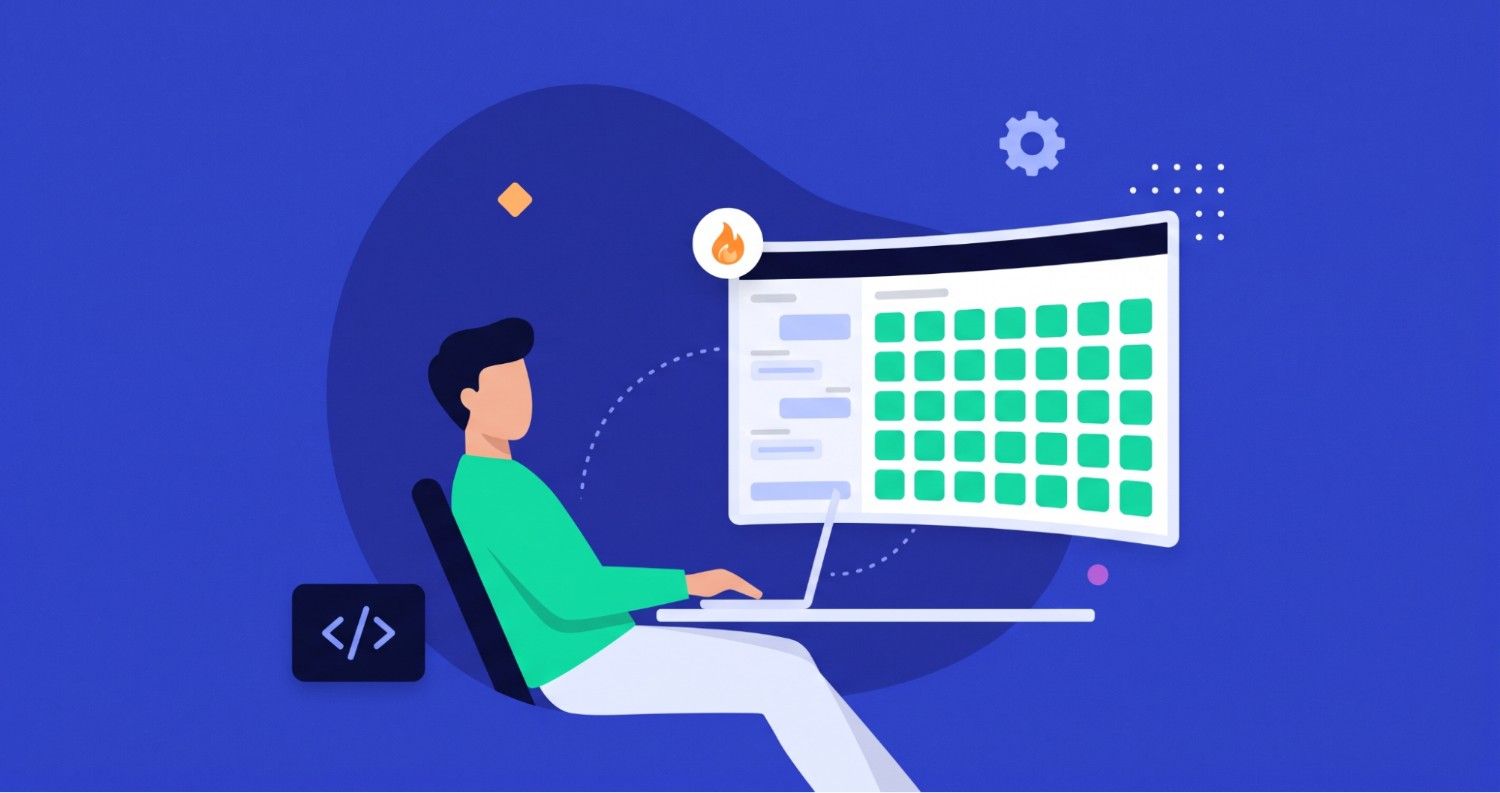
This is how it looks when you wire all the available Cloudways MCP tools into a single ops interface. The dashboard itself is a live example, fully built off of the data returned from these MCP queries.
Features include live server heat map, alert feed, PHP compliance audit, SSH key audit, uptime tracker, bandwidth sparklines and an MCP query terminal.
The 7 MCP Prompts That Power Agency Management
Every panel in the dashboard maps to a specific MCP query. Copy these directly into Cursor with Cloudways MCP connected:
Server Heat Map, list_servers + get_server_details
List all my servers. For each one, show CPU usage, RAM usage, disk usage, and the number of apps running on it. Flag any server above 70% on any resource.
App Traffic Sparklines, get_app_monitoring_summary
Show me bandwidth usage for my top 10 apps over the last 7 days.
Which apps are growing more than 15% week-over-week?
Live Alert Feed, get_alerts
Show all active alerts. Group them by severity: critical first, then warnings, then informational. Include the affected server or app name for each.
PHP Compliance Audit, get_app_settings + get_available_packages
List all apps grouped by PHP version. Flag any running PHP below 8.1 as end-of-life. Show the latest available PHP version on Cloudways so I can plan upgrades.
7-Day Uptime Report, get_app_details + get_app_monitoring_summary
For my top 10 apps by traffic, show me their uptime percentage over the last 7 days. Flag anything below 99.9%
SSH Key Audit, get_ssh_keys + list_team_members
List all SSH keys installed across all servers. Cross-check against my current team members. Flag any key that doesn’t match a known team member, or any key unused for more than 6 months.
Daily Security Sweep, get_alerts
Show me all security alerts from today’s PatchStack scan. For each vulnerability: app name, affected plugin, CVE ID, severity, and whether a patch is available. Critical issues first.
Turning It into a Scheduled Morning Brief
Chain all 7 queries into one automated prompt using, for instance, a Claude Project:
Every morning at 08:00, run my Cloudways ops brief:
1. Any servers above 75% CPU or RAM? (list_servers + get_server_details)
2. Any new critical alerts since yesterday? (get_alerts)
3. Any critical vulnerabilities from PatchStack? (get_alerts)
4. Any apps with PHP below 8.1? (get_app_settings)
5. Any SSH keys not matching the current team? (get_ssh_keys + list_team_members)
6. Format as a 5-point brief.
7. Post to #ops-channel on Slack.
This replaces a daily agency project management that would otherwise take 60-90 minutes manually across 8 servers and 53 apps. With MCP it runs in under 5 minutes, hands-free.
Agency Management Has Evolved
Scaling to 50+ clients doesn’t require scaling your team at the same rate. It requires building systems that do the watching, alerting, and diagnostics for you.
Cloudways MCP turns what used to be an ops workflow into a conversation. Your AI assistant handles the monitoring layer. You handle the clients.
The agencies winning at scale aren’t the ones with the biggest ops teams, they’re the ones who figured out how to get the same coverage with smarter tooling.
Ready to see it in action? Set up the Cloudways MCP server with Cursor, Claude, or your preferred LLM in minutes.
Q1: What is Cloudways MCP and how does it help with agency management?
MCP (Model Context Protocol) is an open standard that connects AI assistants like Claude, ChatGPT, and Gemini directly to your Cloudways account. Instead of logging into dashboards, you manage servers and client sites by typing plain-English requests. For agencies, it turns routine monitoring, security checks, and client reporting into quick conversations rather than manual dashboard work.
Q2: Do I need coding skills to use it?
No. You describe what you need in plain language and the AI handles the rest. Technical team members can go deeper with chained prompts and Git deployments, but non-technical staff can run everyday tasks like checking site health or generating a client report without touching code.
Q3: Is it safe to connect my Cloudways account to an AI assistant?
Yes, and you control how much access it has. Cloudways lets you create scoped Access Tokens with a set expiry, so you can issue a read-only token that lets the AI view data without changing anything. That keeps client environments safe while still giving your team fast answers.
Q4: Can the AI change my servers, or does it only read data?
It depends on the token scope you choose. A read-only token limits the AI to viewing information, which is ideal for monitoring and reporting. A broader scope lets it perform actions like scaling a server or purging a cache. Note that some actions, such as deletions, are permanent, so always confirm the target before running them.
Q5: Which AI tools work with Cloudways MCP?
Cloudways MCP supports popular clients including Claude (Desktop and Code), Cursor, VS Code Copilot, ChatGPT, Gemini CLI, Windsurf, and Codex. You connect once with your Cloudways account and Access Token, then use whichever tool your team prefers.
Moyed Ansari
Muhammad Ansari is an Engineering Manager , AI at Cloudways, bringing 15+ years of experience in software engineering and technical leadership. He has played a key role in building and scaling AI products at Cloudways, spanning architecture design, and high-performance team building. Muhammad is passionate about developer advocacy and driving meaningful AI adoption across engineering organizations. His work sits at the intersection of product thinking, cloud infrastructure, and scalable engineering strategy, making him a trusted voice on modern AI-driven development practices.