

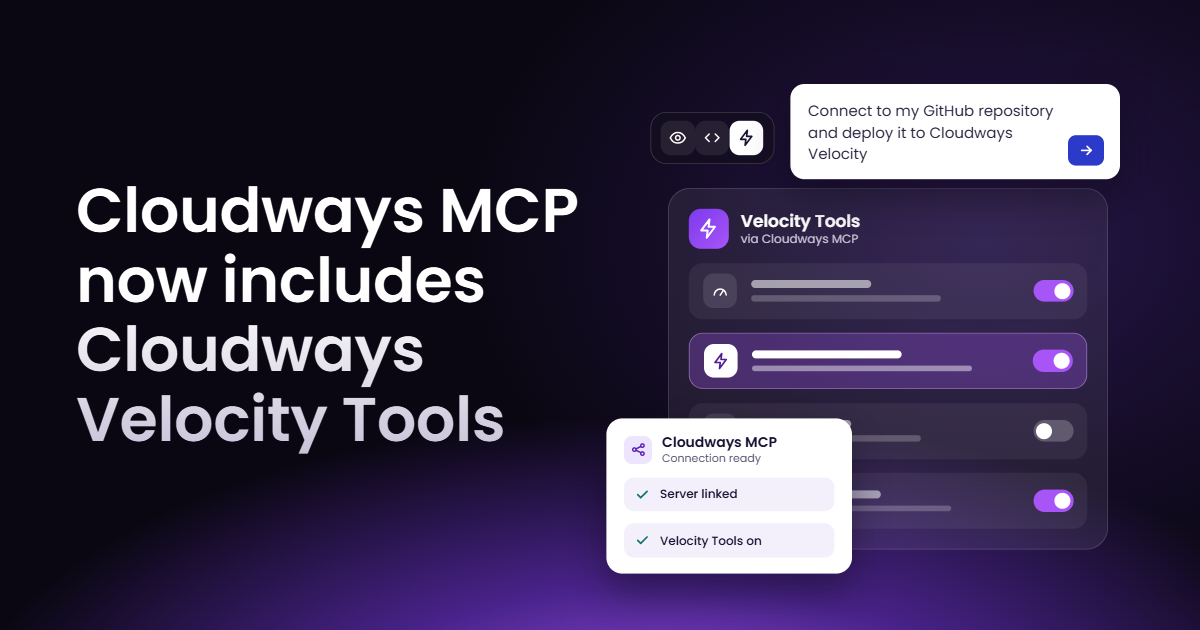
Cloudways MCP now includes 43 tools for Cloudways Velocity, so you can deploy and manage Node.js apps on Cloudways Velocity by talking to your AI assistant.
Velocity is the Cloudways managed Node.js hosting service. Your application is deployed directly from the repository. In addition, Velocity provides SSL, backups, and patching for you.
With the new Velocity tools, one conversation can take a repository all the way to a running app. Your assistant can look up your repositories, create a server, deploy the code, read the build log, and clean up after the app has been deployed.
Deploy and Manage Velocity Apps Without the Clicks
Velocity already simplifies how you deploy your Node.js apps. With the Velocity tools in Cloudways MCP, you take that ease a step further by helping reduce manual clicks when deploying and managing your Velocity-hosted apps.
Velocity runs your app on managed infrastructure with NGINX and PM2 already in place. It supports up to 12 frameworks, including Next.js, Remix, Astro, Express, and Fastify, and you can pick Node.js 22.x or 24.x for each app. Every push to your connected branch can rebuild and redeploy the app.
What is left is the clicking. You still open the platform to connect a repo, choose a plan, watch a deployment, and check the result. MCP helps translate each of those steps into a natural-language prompt you type in a compatible client you already have open.
Whether you are a solo developer shipping side projects or working in an agency that handles multiple projects, you can help streamline your workflows with this new addition to the Cloudways MCP tools. Now, you only need to describe the outcome once, and your AI client calls the right tools in the right order.
What You Can do With the 43 Velocity Tools
The 43 tools cover seven areas of the Velocity workflow, from picking a plan to attaching a domain.
| Area | Tools | Key tools | Sample prompt |
| Plans and servers | 8 | velocity_plans_list, velocity_plan_activate, velocity_server_recover | “Show me the Velocity plans and regions.” |
| Apps and staging | 7 | velocity_app_create, velocity_staging_app_create, velocity_staging_app_promote | “Clone my Velocity app into a staging copy.” |
| Build and deployments | 4 | velocity_build_config_update, velocity_deployment_get | “Show the build log for my latest deployment.” |
| Version control | 10 | velocity_vcs_repos_list, velocity_vcs_repo_inspect, velocity_vcs_app_repo_update | “List the branches of my cloudways-astro-template repo.” |
| Environment variables | 4 | velocity_env_vars_upsert, velocity_env_vars_delete | “Add a private API_KEY variable to my Velocity app.” |
| Database | 8 | velocity_supabase_project_create, velocity_postgresql_enable | “Enable PostgreSQL on my Velocity server.” |
| Domains | 2 | velocity_domain_add, velocity_domain_remove | “Add shop.example.com to my Velocity app.” |
Walkthrough from GitHub Repository to Live Application
We took the Cloudways Astro starter from GitHub to a running Velocity app in a single chat session. (Results in customer environments may vary depending on configuration, implementation, and usage. Results and/or savings are not guaranteed. )
You need a connected MCP client, a Cloudways account with Velocity access, and a GitHub repo. We picked the starter application because its README lists the exact settings Velocity expects. Also note that plan activation creates a paid server (subject to recurring monthly plan charges and any applicable usage-based fees (such as additional storage or bandwidth)), so you should be aware of the expenses before you run the following steps.
Discover the Velocity Tools
Start by asking your AI client what it can do with Velocity.
What can you do with Cloudways Velocity?
Behind the scenes, the assistant lists the available toolsets and loads the tools tagged for Velocity. The output depends on your AI client and the LLM model. In general you should see a list of actions based on the tools.

Confirm Your GitHub Connection
From here on, we assume your GitHub account is connected and at least one app is already deployed on your Velocity server.
Start by checking that Velocity can see your GitHub account.
Is my GitHub account connected to Cloudways Velocity?
Behind the scenes, your AI client calls velocity_vcs_connections_get and reports the account name and the connection status. If the connection is missing, reconnect from the Cloudways console, because the AI client cannot start the GitHub authorization itself.
List Your Servers and Applications
Next, ask for an inventory of what is running.
List my Velocity servers and the apps hosted on them.
Your AI client uses velocity_server_list and velocity_app_list to return your servers with their plans and your apps with their server details.
Find Your Application’s Address
Without a custom domain, Velocity gives the app a default URL. Ask for the overview of one app to see where it lives.
Give me the overview for my Velocity app [app name].
Your AI client calls velocity_app_overview_get, which returns the app’s details, last deployment, along with a short summary of the current Cloudways Velocity plan you have.
Open the address in your browser to confirm the app is live.
Check the Linked Repository and Branch
Every Velocity app deploys from a Git repo and branch. Ask which ones your app uses.
Which GitHub repo and branch is [app name] deployed from?
Your AI client calls velocity_vcs_app_repo_get and returns the linked repo and branch. You can change either one later with velocity_vcs_app_repo_update, which also controls auto-deploy.
Read the Build Settings
Before you change anything, see how the app is built.
Show me the build settings for [app name].
Your AI client calls velocity_build_config_get and returns the package manager, the build and start commands, the port, and the Node.js version. For the Astro starter used in this post, the README lists npm run build as the build command and npm start as the start command on port 3000, so those values should appear.
Find the Repo to Deploy
From here on, we deploy a brand new app from a different repo on the same GitHub account. Start by asking your AI client to find it.
Find the repo cloudways-astro-template in my GitHub account and list its branches.
Your AI client searches your GitHub namespaces and repos with velocity_vcs_namespaces_list and velocity_vcs_repos_list, then reads the branches with velocity_vcs_branches_list. For this repo you should see main.
Inspect the Repo Before Deploying
Let your AI client read the project and detect its settings.
Inspect cloudways-astro-template on the main branch and tell me the framework, Node.js version, and build settings.
Your AI client calls velocity_vcs_repo_inspect. The starter’s README lists Astro as the framework, npm run build as the build command, and npm start as the start command on port 3000, so the result should match those values.
Create the App on Your Server
Now ask your AI client to create the new app on the Velocity server you already have. Ask it to summarize what it will create and wait for your approval.
Create a new Velocity app named cloudways-astro-template from my cloudways-astro-template repo on the main branch, on my Velocity server [server name]. Show me what you will create and wait for my approval.
When the summary looks right, approve it.
Approved. Go ahead.
Your AI client calls velocity_app_create, which creates another app from a repo on an existing Velocity server.
Remove the Demo App
When you finish, delete the demo app so it does not linger. Ask for a summary first, and name the app exactly.
I want to delete the app cloudways-astro-template. Tell me what will be deleted and wait for my approval.
Then approve it.
Approved. Delete it.
velocity_app_delete handles the deletion, and the same tool removes any Velocity app, which is why the exact name matters.
Use the Velocity Tools Safely
Several Velocity tools change your bill or delete data, so treat them with the same care you would give the matching button in the dashboard.
- velocity_plan_activate creates a new paid server and app.
- velocity_plan_upgrade changes your plan and can change your storage, which affects billing.
- velocity_plan_deactivate deletes the Velocity server and all of its apps.
- velocity_app_delete deletes an app.
- velocity_supabase_project_create provisions a project on a third-party service and may be billed directly by Supabase under your separate Supabase account and Supabase’s applicable pricing terms..
We recommend the following good habits while working with the Cloudways Velocity MCP tools.
- Start with read-only prompts such as listing servers or checking a deployment.
- Ask the AI client to show the cost or the affected resources and wait for your approval,
- Name the exact server or app in destructive requests, since the assistant may guess and fill in the details with incorrect values.
- Your Cloudways API access token is a critical safeguard when you use Cloudways MCP with your AI client. A Read-Only or Limited Access token limits what the assistant can change, and you can set it to expire and revoke it at any time.
- If you delete a server by mistake, velocity_recoverable_servers_list shows deleted servers that are still eligible for recovery, and velocity_server_recover restores one onto a new plan. Remember that the recovery tools do not replace the importance of regular backups.
Get started
The Velocity tools are available now in Cloudways MCP, helping you initiate deployments directly from your AI assistant.
Connect your client, link your GitHub account, and ask your assistant to deploy a repo. If you want a project to practice on, fork the Cloudways Astro starter. To go deeper, read the Cloudways MCP setup guide, browse the MCP tools reference, or learn more about Cloudways Velocity.
We would love to hear what you build. Share your feedback with the Cloudways team and tell us which workflows you want to see next.
DISCLAIMER: Any references to third-party companies, trademarks, or logos in this document are for informational purposes only and do not imply any affiliation with, sponsorship by, or endorsement of those third parties.
[email protected]
Zafar Iqbal is a Senior Technical Writer who's spent the last decade making server products, WordPress, and SaaS platforms actually make sense to people. As someone who lives at the intersection of tech and marketing, he loves turning complicated technical concepts into insights that help people make the right business decisions. When he's not demystifying managed hosting infrastructure, he's tinkering with his hobby projects.